Calculate Area Online — Free Area Calculator for Irregular Shapes
Need to calculate the area of a room, a plot of land, or an irregular shape? CalcNest’s free area calculators work out any shape — regular or irregular — and shows the formula and calculation steps behind every result, so you can verify the answer. Enter your measurements, get your area, and see exactly how it was worked out.
Try CalcNest Master Area Calculator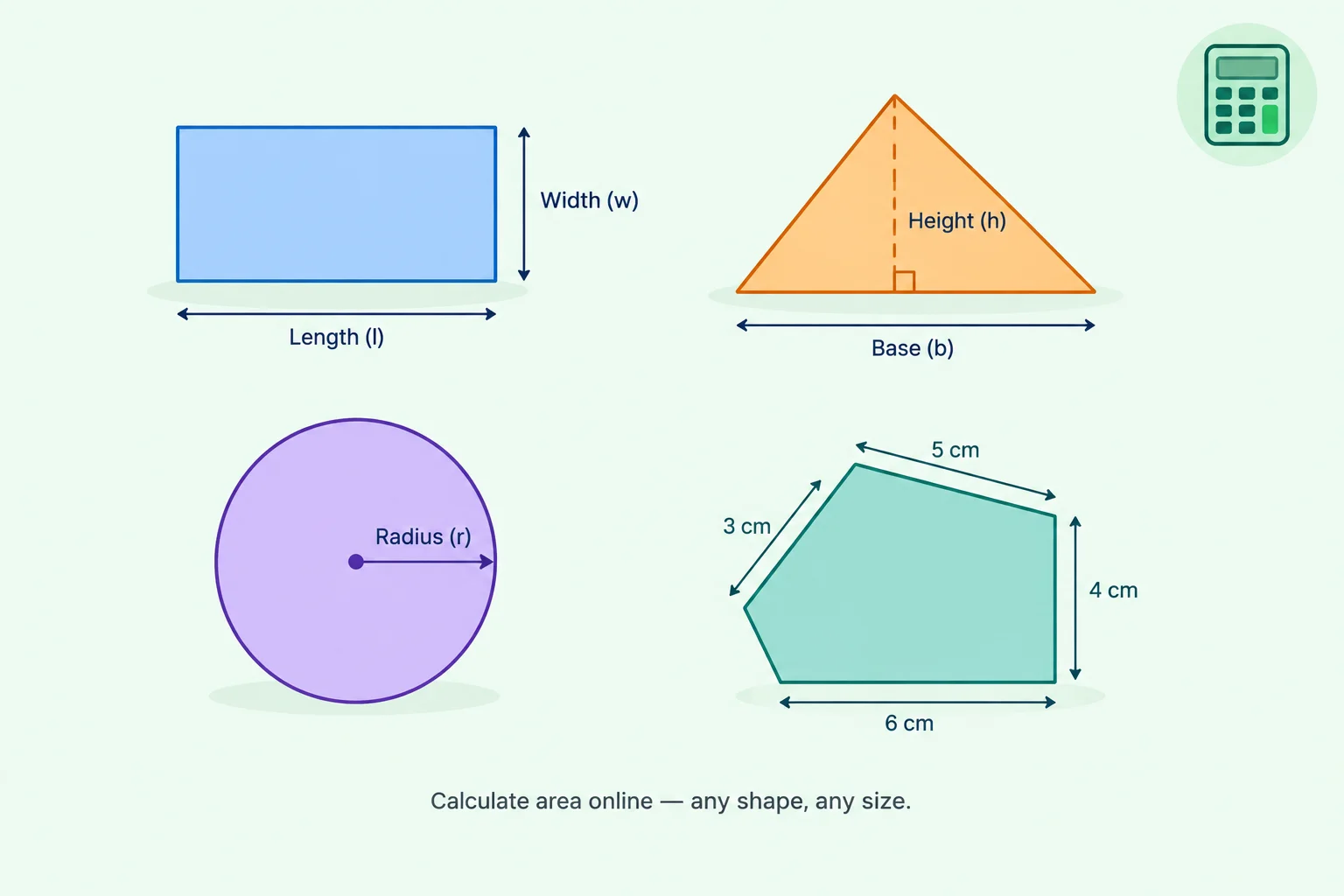
Featured Calculators
Every CalcNest area calculator shows you exactly how the result was obtained — no black boxes, no unexplained numbers. Choose a tool below to see the formula applied, the calculation steps taken, and the units used, so you can verify every number. Whether you’re calculating the area of a rectangle, triangle, circle, trapezoid, or an irregular plot, the working is always visible. Pick a calculator, enter your measurements, and see the result with the full calculation shown.
Master Area Calculator
Calculate common, irregular and composite 2D shapes in one tool. Choose preset shapes, draw precise geometries, create freehand outlines, convert area units, view formulas and calculation steps, and export your result.
Open CalculatorSpecific Area Calculators
Why Calculate Area Online with CalcNest
Always Free
All current CalcNest calculators are free to use, with no sign-up or paywall or paid calculation tier.
Formula Shown
Every result includes the formula and calculation steps, so you can verify the answer and understand how it was obtained.
Work On Any Device
CalcNest works on phones, tablets, and desktops. Drawing modes support touch input and stylus with every feature.
Real-World Focus
Built for practical area calculations involving regular, irregular, and composite shapes—not simple textbook examples.
Flexible Methods
Choose the method that suits your needs, from preset dimensions to precision drawing or freehand outlines.
Multiple Units
Work with metric, imperial, and regional land-area units, making it easier to use measurements from different systems.
How to Calculate Area Online
Three simple steps to get your answer.
1.Choose Your Shape
Pick the calculator that matches what you’re measuring — area, length, conversion, or another tool.
2.Enter Your Measurements
Type in your dimensions or draw the shape directly on the canvas. Each field has its own unit selector.
3.Get Your Result
See the area, formula, and calculation steps — all at once. Copy the result, save as PDF, or download the diagram.
Need Help?
Every calculator on CalcNest comes with a detailed user guide. It explains each mode, feature, and setting, so you can get the most out of every tool.
Read the Area Calculator GuideBuilt For Everyday Calculations
CalcNest was built for people who need a fast, accurate answer — without wading through popups, sign-up forms, or confusing interfaces. Every tool starts from a real-world scenario, not a textbook exercise.
If there’s a calculator you’d like to see, use the contact page to let us know.
Contact Us